
Generate an image and keep the local file
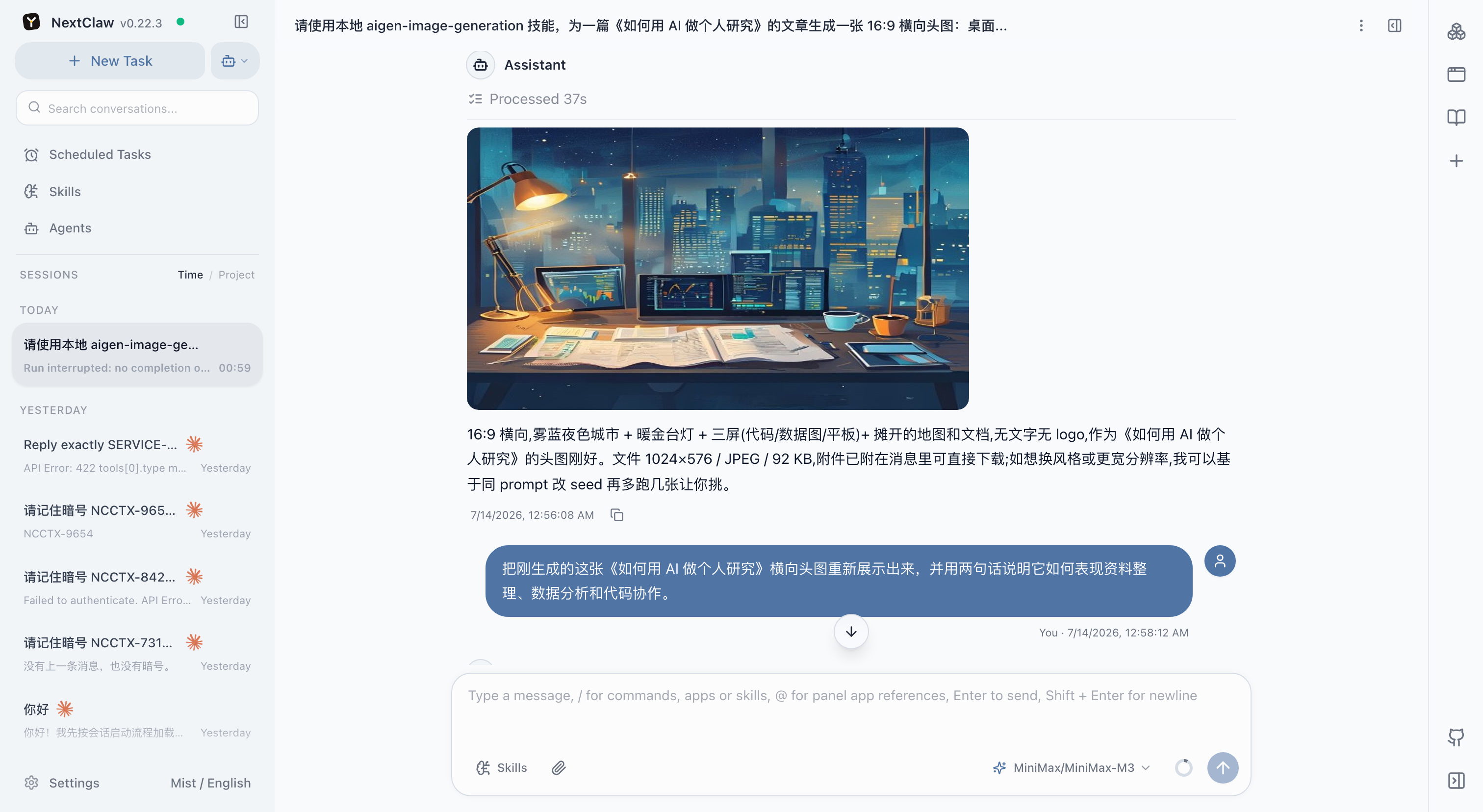
NextClaw can generate an image from a concrete use and visual brief, save it in the working directory, display it in the session, and refine it without losing the surrounding task.
Prepare the brief
- use: article cover, product concept, poster, or social image;
- subject, environment, composition, and excluded elements;
- aspect ratio, resolution, and file format;
- brand colors, references, and space reserved for text;
- output directory.
Example prompt
Create a 16:9 cover image for an article about a local AI workspace. Show a bright desk with a computer and several documents being organized. Do not include readable brand text. Keep it clear and suitable for a light website. Generate two directions, save them in article-assets, and explain the composition difference.
What happens
The agent turns the brief into an image prompt, invokes an available generator, saves and displays the files, then adjusts composition, lighting, subject, or dimensions from your feedback.
Review the result
Check that the subject serves the intended use, dimensions are correct, visual details are sound, no unwanted brands or private data appear, and the real file exists in the requested directory.