Install and start with built-in free-trial models—no API key required. NextClaw can read source material, use tools, work with local files, and create documents, charts, code, and apps on a machine you control.
NextClaw's mission is to be a good long-term partner to you. The four stages toward 1.0 cover understanding you and your goals, proactive analysis and conversation, continuous self-improvement, and reliable long-term use. Initiative also means thinking independently and reaching out with something worth discussing, without requiring every exchange to become an execution task.
Provide an outcome, source material, and a working directory. The agent can use models, skills, a browser, the terminal, and local files. You can observe, redirect, or stop it, then inspect the actual artifact in the same workspace.
1Describe the deliverable
State the material, output format, destination, and boundaries.
2Let the agent act
It reads files, invokes tools, runs commands, opens the web, or delegates subtasks.
3Stay in control
Watch actions, answer questions, add constraints, or stop execution.
4Inspect the result
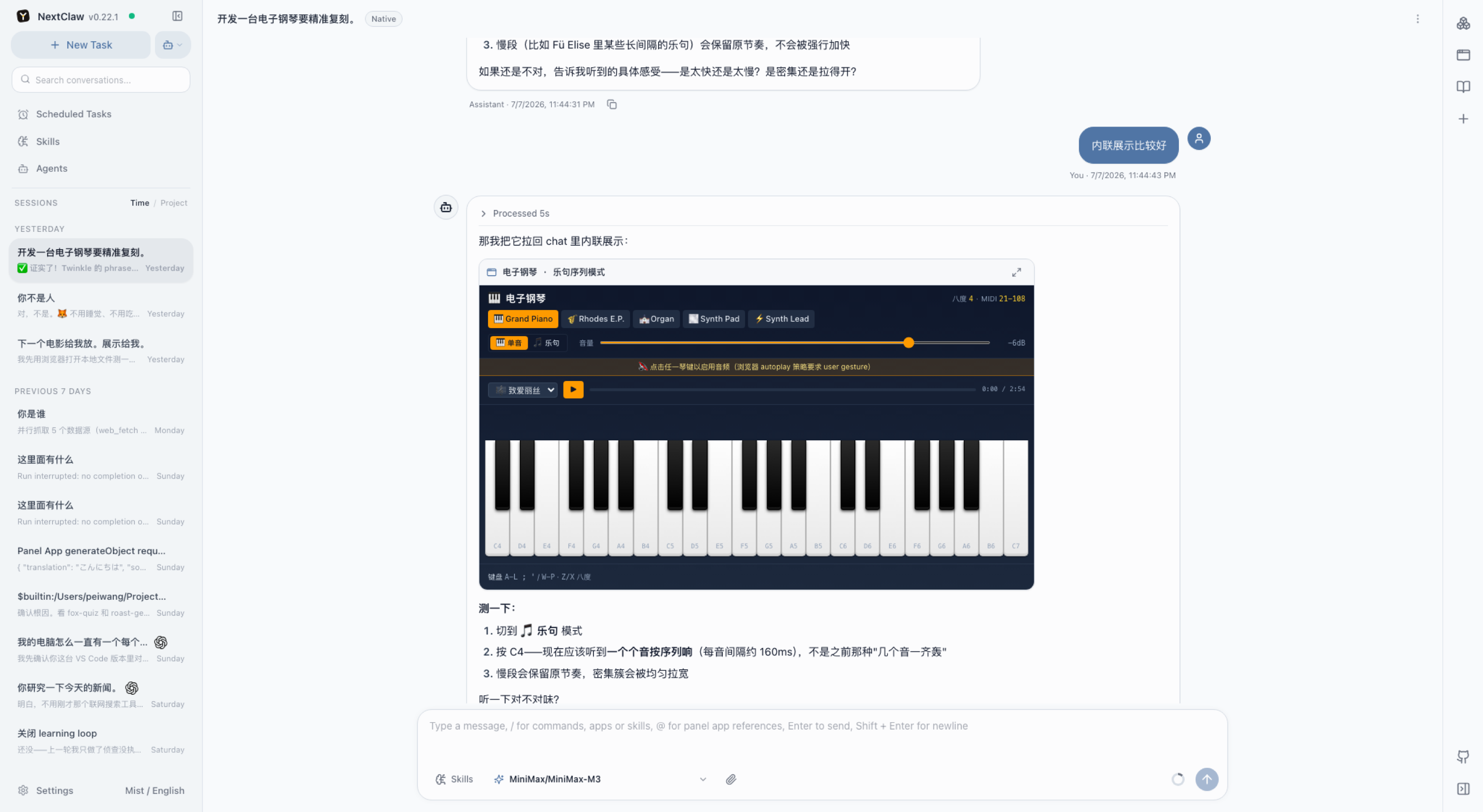
Open replies, files, source, Markdown, HTML, images, or a Panel App.
Conversation, generated results, and project documents stay in one task.
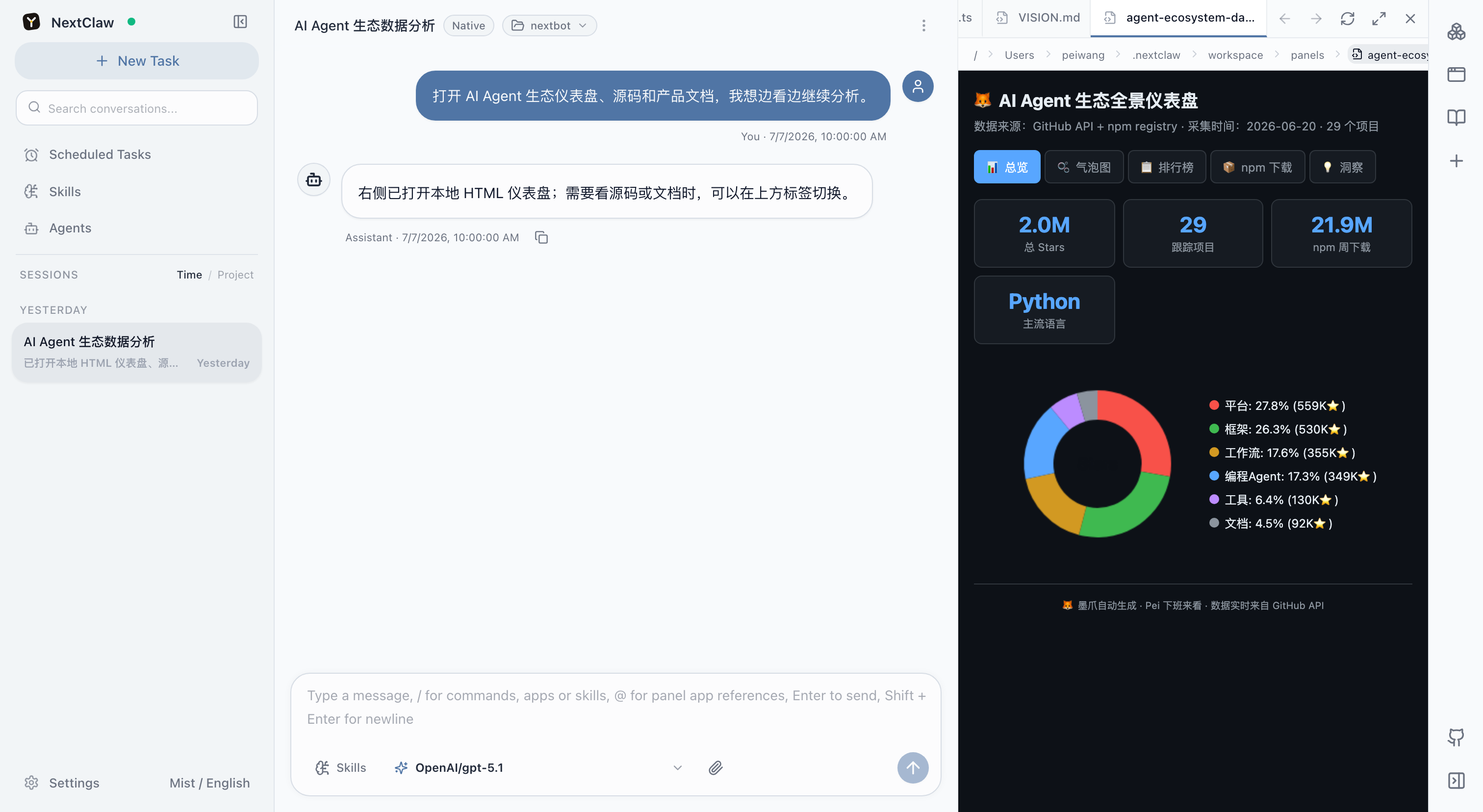
Open local files, Markdown, code, HTML, documents, spreadsheets, and presentations in the session workspace. Inspect HTML as source or rendered output and review code changes as diffs.
Review project files and a rendered data report without leaving the task.
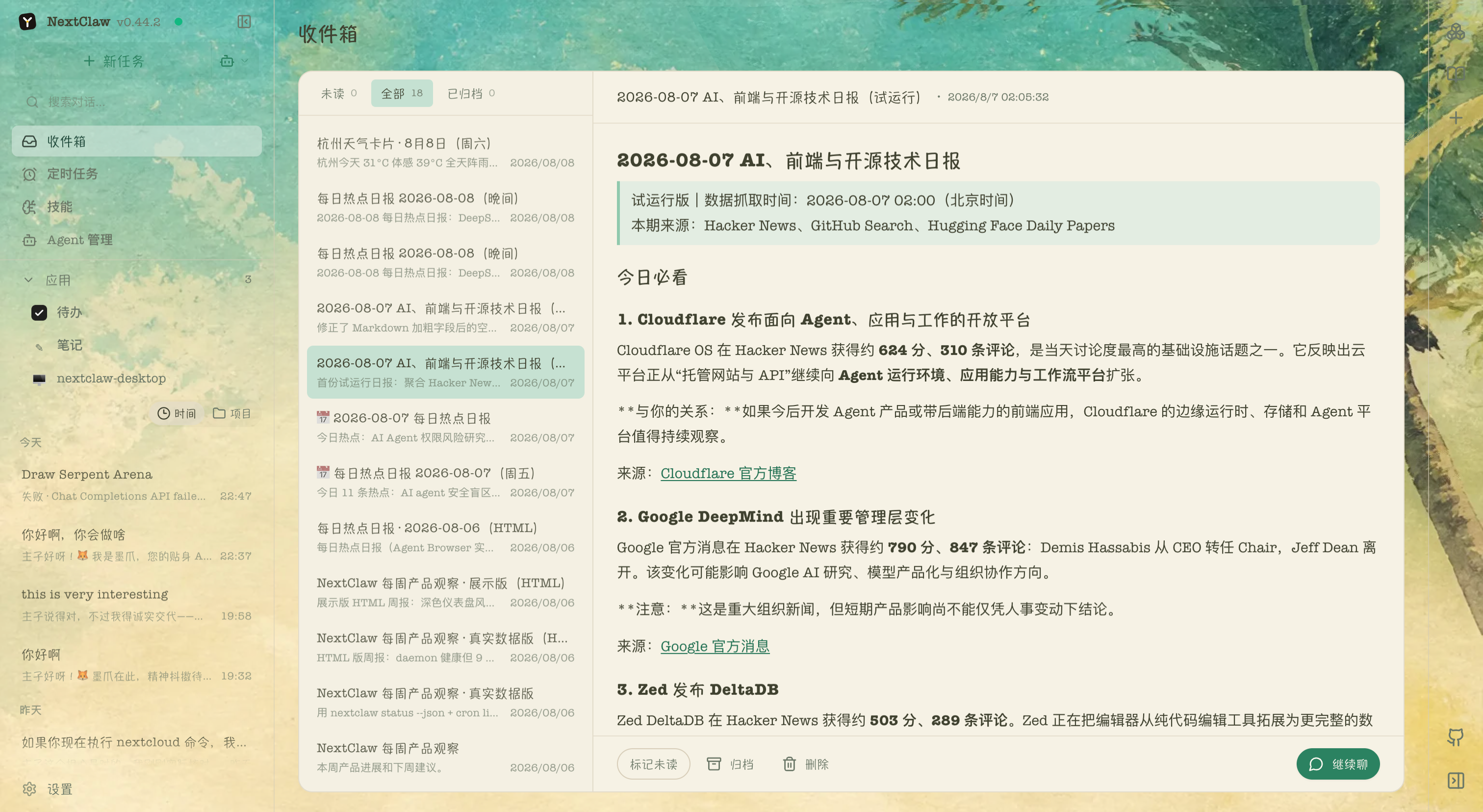
Scheduled tasks, background agents, and long-running monitors can place reports in the AI Inbox. Read them when convenient, manage them with other results, or continue the conversation from the delivered report.
A delivered briefing stays beside conversations and apps in the same desktop workspace.
Turn repeated work into your own agents and apps
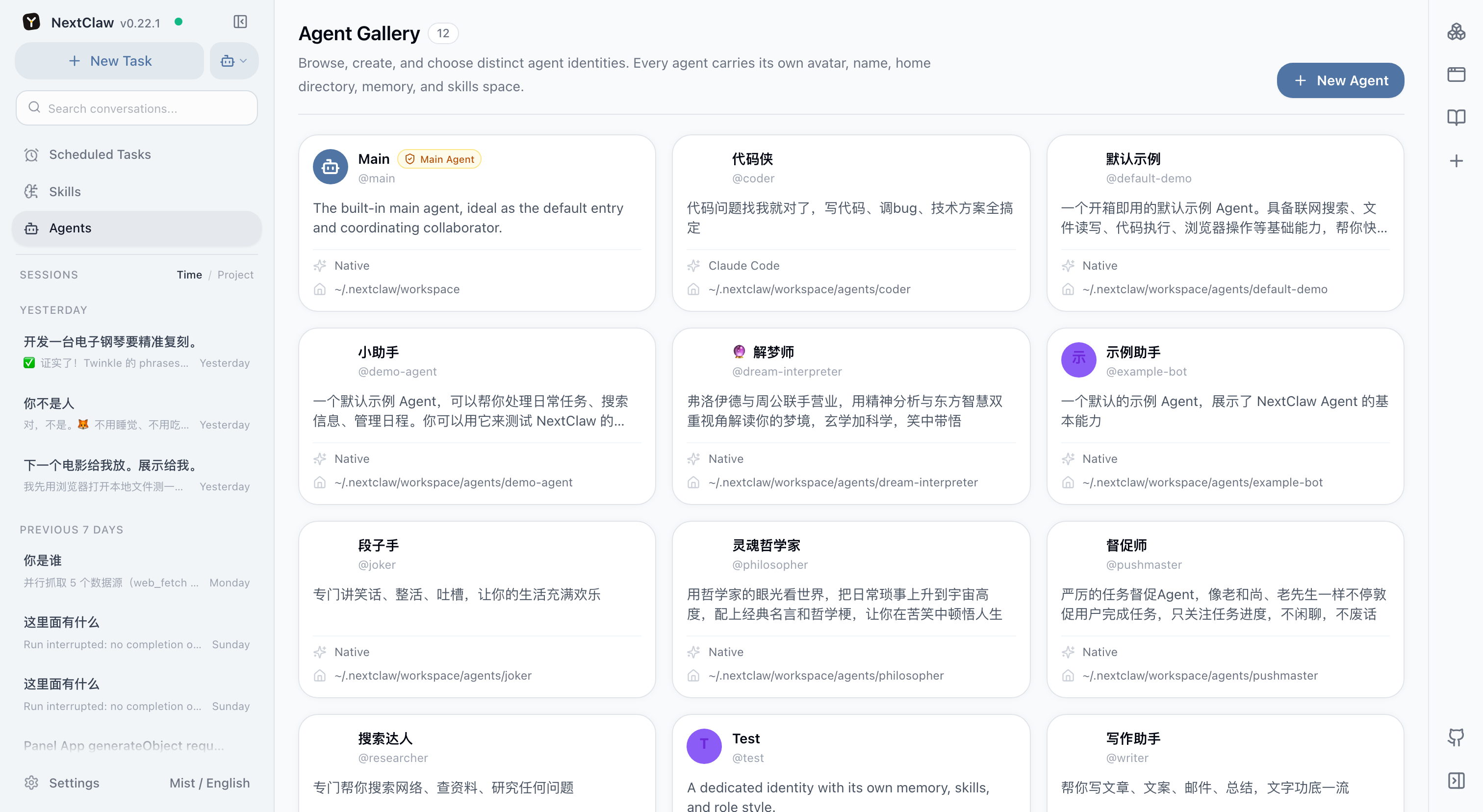
Dedicated agents can keep an identity, home directory, memory, skills, and runtime. Package proven work as a skill, connect external tools through MCP, or keep an interactive result as a Panel App.
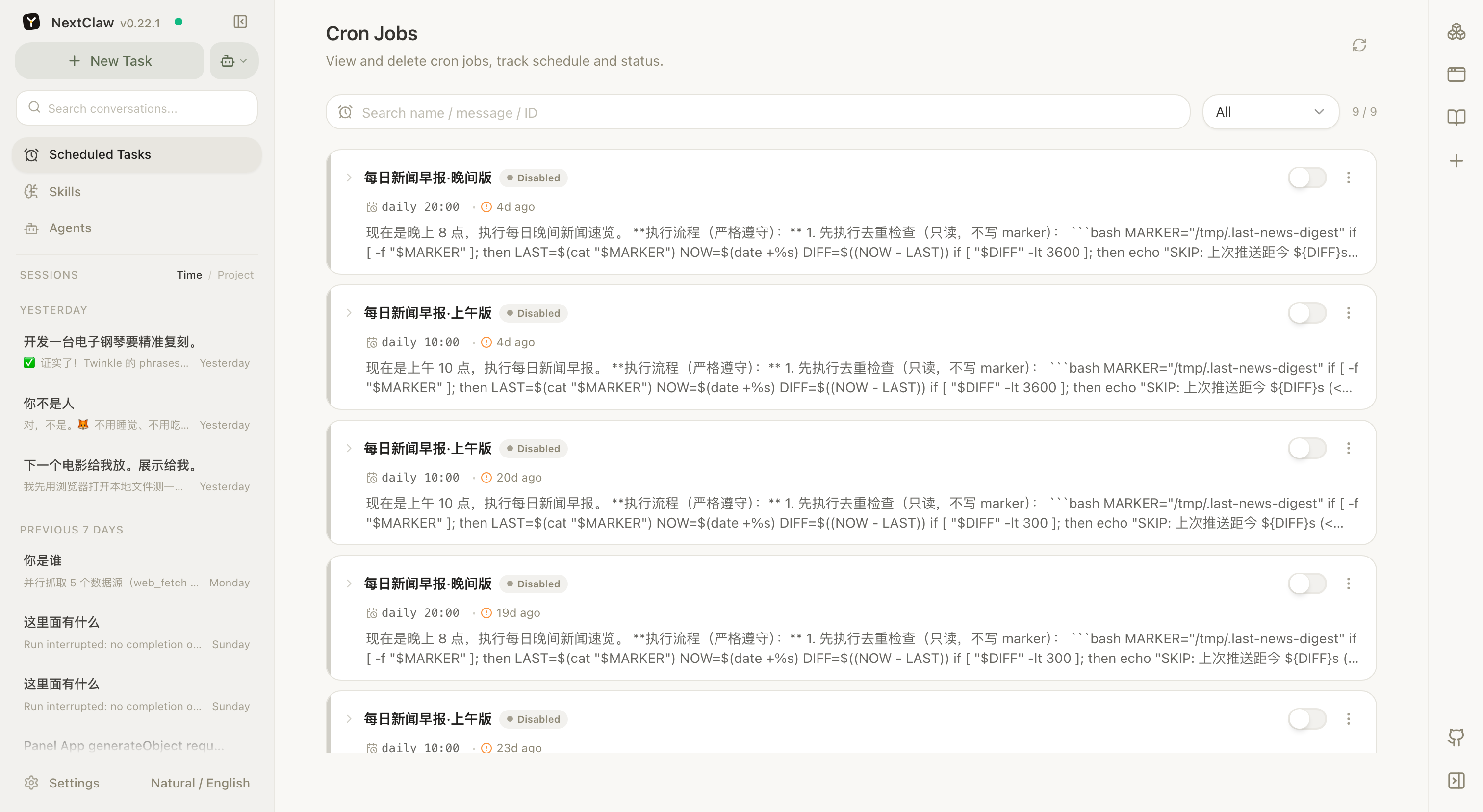
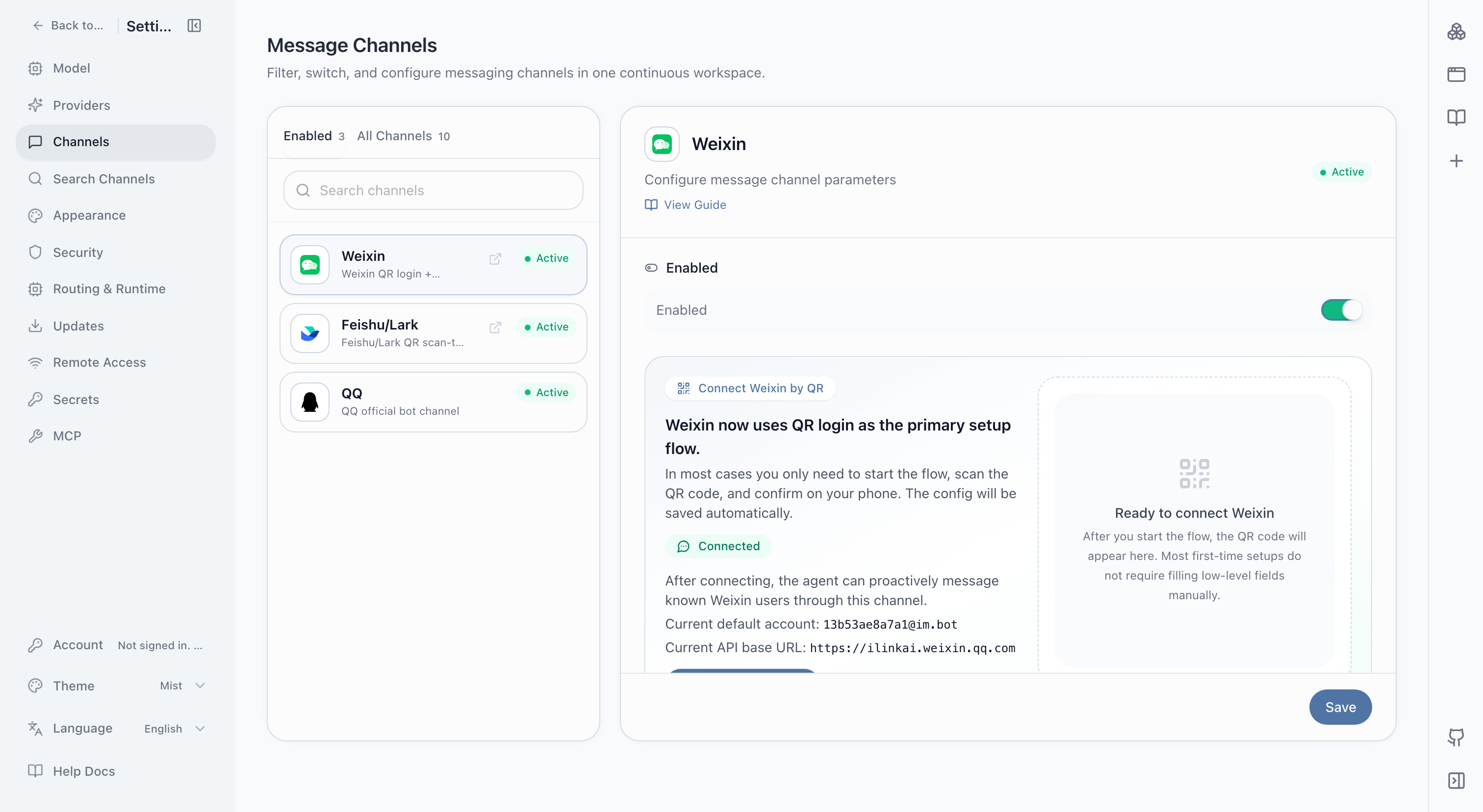
Scheduled tasks cover briefs, checks, and recurring summaries. Channels let requests and results move through Weixin, Feishu, Telegram, Slack, and other familiar entry points. Prove the work locally before automating it.
Review enabled state, previous runs, and the next schedule.Connect familiar messaging apps to your agents.